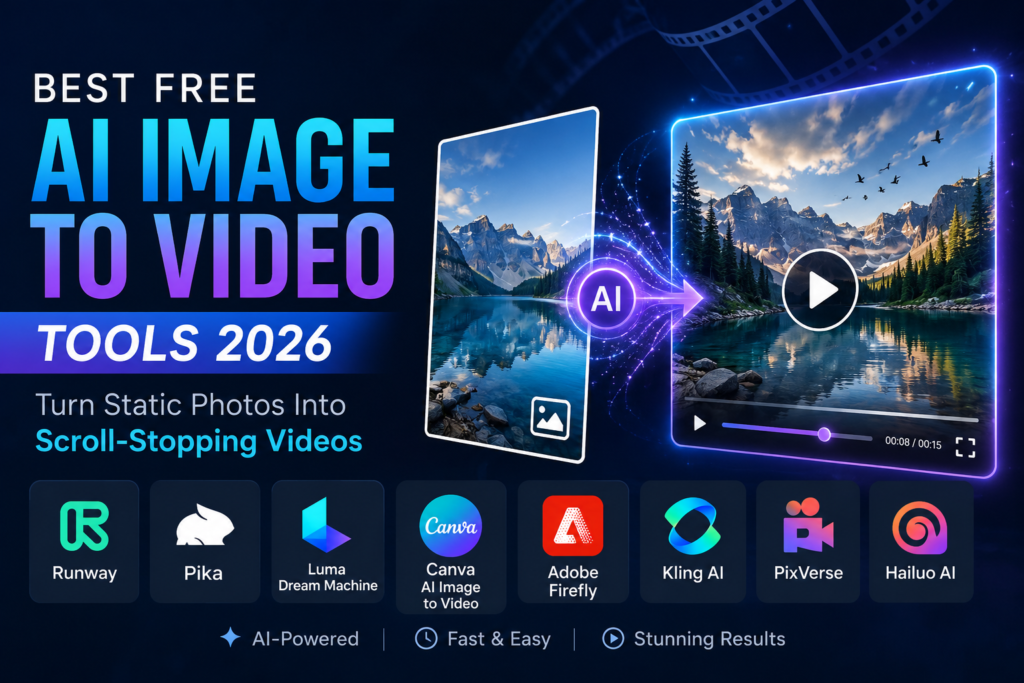
A single image can now become a moving advertisement, cinematic scene, product showcase, or social media clip in a matter of minutes. What once required video editors, motion designers, and expensive software is increasingly available through browser-based AI tools. For creators, marketers, educators, ecommerce sellers, and small businesses, that shift has dramatically lowered the barrier to video production.
The interest in the best free ai image to video tools 2026 continues to grow as video becomes the dominant format across digital platforms. According to Cisco’s Visual Networking Index, video has accounted for more than 80% of global internet traffic in recent years, a trend that has pushed businesses and creators to prioritize video-first content strategies. As audiences consume more short-form video on TikTok, Instagram Reels, YouTube Shorts, LinkedIn, and ecommerce platforms, the ability to transform a single image into engaging motion has become a practical advantage rather than a novelty.
Not all AI video generators serve the same purpose. Some excel at cinematic storytelling, while others focus on product marketing, social media content, character animation, or branded visuals. This guide examines the best free ai image to video tools 2026, highlights their strengths and limitations, and explains which platforms are best suited for different creative goals.
What Are AI Image to Video Tools
AI image-to-video tools use generative artificial intelligence to animate static images and transform them into video clips. Users upload an image, provide instructions through a prompt, select a style or motion preference, and the system generates movement based on the visual content.
Modern platforms can create camera pans, zoom effects, environmental motion, facial animation, depth simulation, object movement, and cinematic transitions. Many now combine image-to-video functionality with text-to-video generation, scene extension, aspect ratio adjustments, and advanced prompt controls.
The process is relatively straightforward. The uploaded image acts as the visual anchor, while the prompt guides how the scene evolves. A product photo can become a rotating commercial, a travel image can gain moving clouds and environmental effects, and a portrait can be transformed into an animated talking visual.
Most of the best free ai image to video tools 2026 operate using credits, generation limits, export restrictions, or watermarked outputs. Free plans are often sufficient for testing concepts, building social content, or evaluating quality before committing to a paid workflow.
Top Free AI Image to Video Tools 2026
Runway
Runway remains one of the most respected platforms in AI video generation. Its image-to-video capabilities are known for smooth camera movement, prompt flexibility, and production-quality outputs. Runway’s free plan includes a limited allocation of credits, with enough access to explore its latest video generation models.
Runway performs particularly well for creators producing fashion campaigns, creative pitches, mood films, music visuals, and branded storytelling content. The platform offers a level of motion consistency that appeals to users who need more control than many beginner-focused tools provide.
The free tier is designed primarily for experimentation rather than large-scale publishing. However, for users evaluating premium AI video quality, Runway remains one of the strongest contenders among the best free ai image to video tools 2026.
Pika
Pika has earned a loyal following among content creators because it makes image animation approachable and fast. The platform supports both text-to-video and image-to-video generation while maintaining a simple interface that requires little technical knowledge.
Pika works especially well for short-form social content, viral effects, character animation, memes, and stylized transformations. The platform encourages experimentation and often produces eye-catching results with minimal setup.
While it lacks some of the granular controls found in professional creative tools, Pika’s ease of use makes it particularly attractive for creators focused on speed and engagement.
Luma Dream Machine
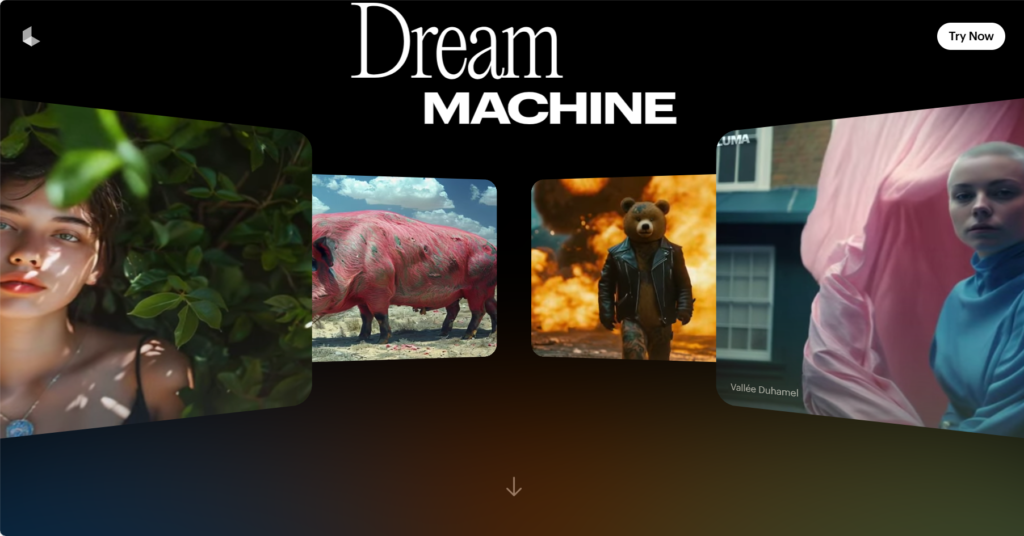
Luma Dream Machine has become a favorite among creators seeking realistic motion and cinematic visual quality. The platform is designed to generate highly detailed video sequences from images, prompts, and other creative inputs.
Luma performs well when generating atmospheric scenes, product visuals, concept trailers, and narrative-style content. Detailed prompts often produce more convincing results, particularly when paired with high-quality source images.
Because usage policies and free access levels may change over time, creators should view Luma as a freemium platform rather than a fully unrestricted free solution.
Canva AI Image to Video
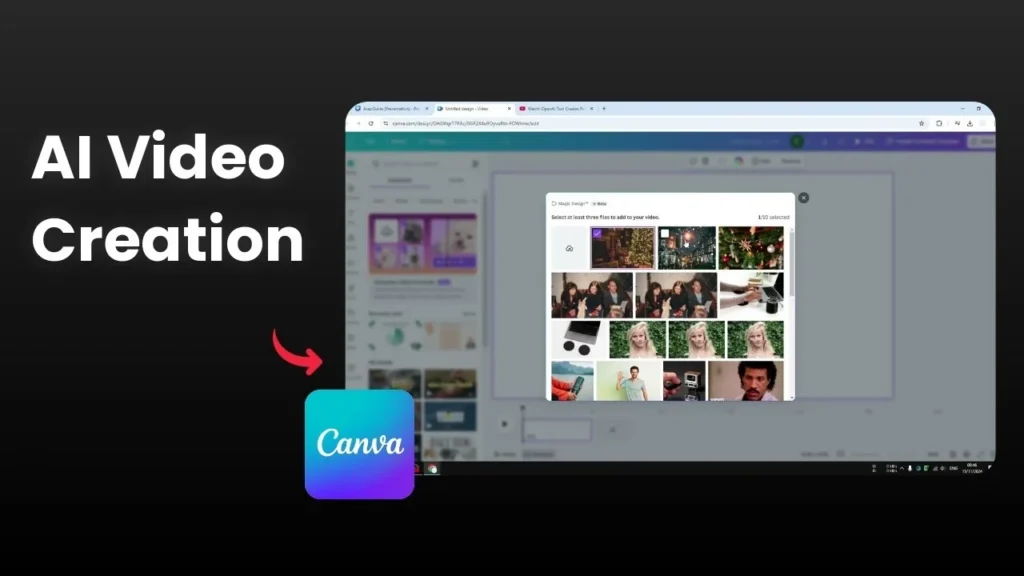
Canva’s image-to-video capabilities are particularly attractive to marketers, educators, freelancers, and small business owners. Unlike platforms that focus solely on AI generation, Canva combines video creation with templates, branding tools, design assets, and publishing features.
Users can animate images, add music, insert captions, apply brand colors, and resize content for different social platforms from a single dashboard.
For many businesses, Canva’s greatest advantage is efficiency. Rather than moving content between multiple tools, creators can generate and edit videos within one ecosystem.
Adobe Firefly
Adobe Firefly brings image-to-video generation into a professional design environment familiar to millions of creative professionals. Firefly’s image-to-video capabilities integrate naturally with Adobe’s broader ecosystem, making it appealing for agencies, designers, and enterprise teams.
One reason commercial users gravitate toward Firefly is Adobe’s emphasis on responsible AI development and commercially oriented workflows. Organizations concerned about brand safety often see this as a significant advantage.
Although free usage is available with limitations, more advanced production workflows typically require additional credits or paid plans.
Kling AI
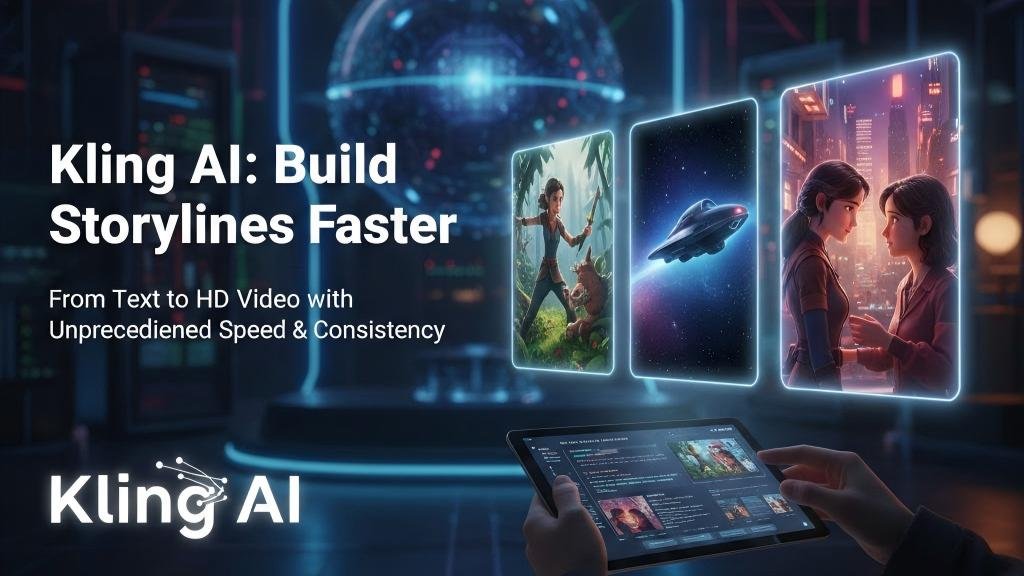
Kling AI has attracted attention for generating highly dynamic videos from both text and images. The platform supports image-to-video creation, higher-resolution outputs, and video extension features that allow creators to build longer sequences.
Kling performs particularly well for cinematic scenes, fantasy-inspired visuals, product storytelling, and stylized creative projects. Its motion quality often surprises users who expect image-based generation to appear artificial.
Among the best free ai image to video tools 2026, Kling stands out for users seeking ambitious visual results without requiring extensive editing skills.
PixVerse
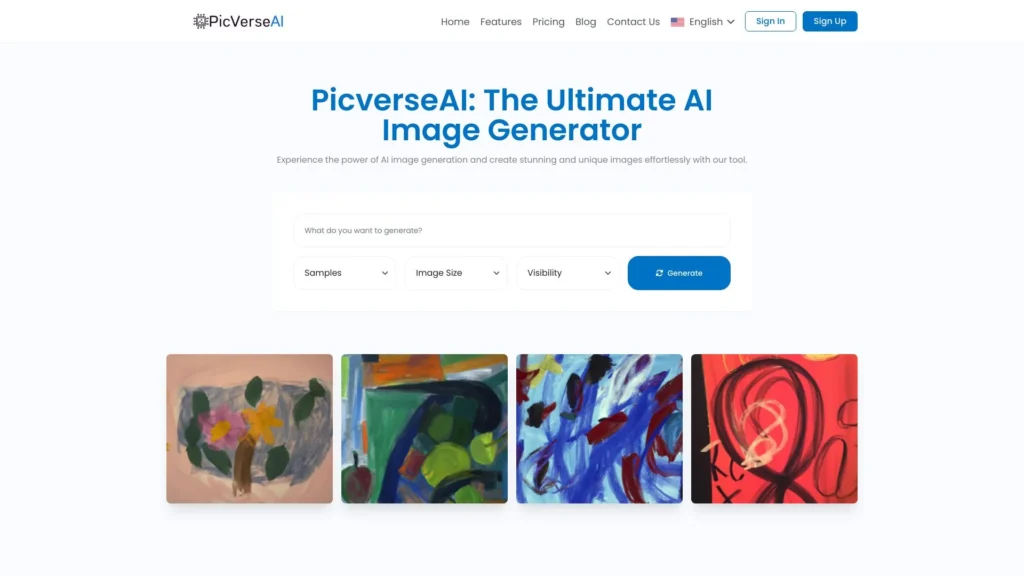
PixVerse focuses on speed and accessibility. The platform allows users to convert images into animated clips quickly while maintaining a creator-friendly workflow.
It works especially well for social media content, character animation, visual effects, product promotions, and trend-driven content. The learning curve is minimal, making it suitable for beginners and casual creators.
While it may not provide the same level of precision as advanced creative platforms, PixVerse excels at producing visually engaging clips in a short amount of time.
Hailuo AI
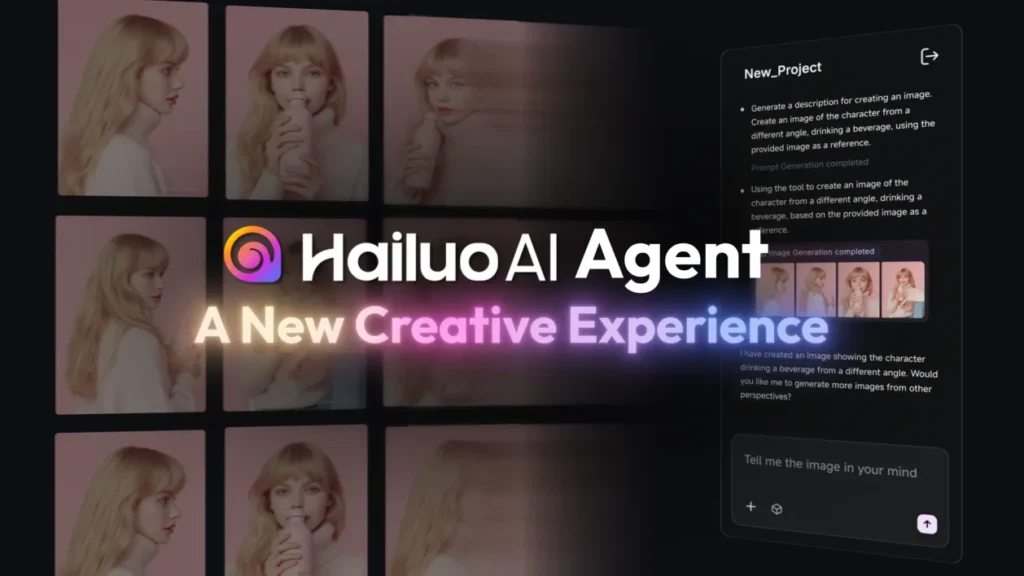
Hailuo AI is designed for creators who want a straightforward image-to-video workflow. Users can upload images, write motion prompts, and generate animated clips without navigating a complex editing environment.
The platform is particularly useful for product demonstrations, social media content, promotional videos, and quick creative experiments.
As with any AI generation platform, users planning commercial projects should review licensing and usage policies before publishing client or brand content.
Key Features to Look For
Motion Quality
Motion quality often separates average AI video tools from exceptional ones. Look for platforms that generate stable movement, natural camera motion, and believable subject animation without excessive distortion.
Prompt Control
Prompt control plays a major role in achieving predictable results. The ability to guide movement, atmosphere, camera angles, and scene behavior becomes increasingly important for professional projects.
Resolution and Export Quality
Export quality matters, particularly for advertising, websites, and commercial campaigns. While lower resolutions may work for testing, higher-quality exports create a more polished final product.
Watermark Policy
Watermarks can affect usability for professional projects. Some platforms offer watermark-free exports on free plans, while others reserve them for paid subscribers.
Commercial Usage Rights
Commercial usage policies vary significantly across platforms. Businesses, agencies, and freelancers should always verify usage rights before incorporating AI-generated videos into client work.
Editing Tools
The best free ai image to video tools 2026 offer more than generation alone. Features such as captions, transitions, music integration, branding controls, and aspect-ratio adjustments can significantly improve workflow efficiency.
Comparison Table: Tools Side by Side
| Tool | Best For | Free Access Style | Strength | Limitation |
|---|---|---|---|---|
| Runway | Cinematic AI video | Limited free credits | Professional motion quality | Credits run out quickly |
| Pika | Viral effects and short clips | Credit-based access | Fast and creator-friendly | Less precise for advanced projects |
| Luma Dream Machine | Realistic cinematic scenes | Freemium access | Strong visual realism | Free usage limits vary |
| Canva | Social and branded content | Free with limits | Integrated design workflow | Less cinematic control |
| Adobe Firefly | Commercial creative teams | Limited free generation | Professional ecosystem | Advanced features require credits |
| Kling AI | High-motion creative videos | Freemium access | Impressive motion quality | Queue times may occur |
| PixVerse | Fast social content | Freemium access | Quick image animation | Limited advanced controls |
| Hailuo AI | Product and social videos | Freemium access | Simple workflow | Licensing should be reviewed |
Who Should Use These Tools
Social Media Creators
Creators can use the best free ai image to video tools 2026 to transform photos, artwork, graphics, and personal content into engaging videos designed for modern social platforms.
Small Business Owners
Small businesses can create promotional content, product showcases, announcements, and marketing videos without hiring a dedicated production team.
Ecommerce Brands
Online retailers can convert product images into dynamic visual assets for product pages, advertising campaigns, and social commerce strategies.
Marketers and Agencies
Marketing teams can rapidly prototype campaigns, test creative concepts, and generate video assets before committing resources to traditional production.
Educators and Coaches
AI video tools can help transform static educational materials into more engaging visual experiences for students and audiences.
Designers and Artists
Creative professionals can animate illustrations, concept art, posters, and portfolio pieces while exploring new visual storytelling formats.
FAQ
What are the best free AI image to video tools in 2026?
The best free ai image to video tools 2026 include Runway, Pika, Luma Dream Machine, Canva, Adobe Firefly, Kling AI, PixVerse, and Hailuo AI.
Are free AI image to video tools really free?
Most offer free access with restrictions such as credits, generation caps, lower resolutions, queue systems, or watermarked exports.
Which tool is best for beginners?
Canva and Pika are generally the easiest platforms for new users due to their intuitive interfaces and streamlined workflows.
Which tool is best for professional-looking videos?
Runway, Luma Dream Machine, Adobe Firefly, and Kling AI are often preferred for higher-end visual quality and creative control.
Can I use AI-generated videos commercially?
Commercial use depends on each platform’s licensing terms. Always review current policies before using generated content in business projects.
What image type works best?
Images with strong lighting, high resolution, clear subjects, and minimal visual clutter typically produce better animation results.
Do these tools replace video editors?
Not entirely. As creative technology analyst Matthew Brennan has observed, AI video tools are increasingly becoming creative accelerators rather than complete replacements for human editors. Strategy, storytelling, pacing, branding, and final refinement still benefit from human expertise.
Conclusion
The best free ai image to video tools 2026 have transformed what is possible for creators, marketers, educators, and businesses. Platforms such as Runway and Luma excel at cinematic visuals, Canva simplifies branded content production, while Pika, PixVerse, and Hailuo help creators produce engaging social content quickly. Adobe Firefly and Kling AI offer compelling options for users seeking professional-quality outputs and more advanced creative possibilities.
The most effective approach is to test multiple platforms using the same image and prompt. Comparing motion quality, export options, ease of use, and commercial permissions will quickly reveal which solution aligns with your goals. As AI video technology continues to improve, creators who learn these tools today will be better positioned to produce faster, more engaging visual content tomorrow.